Follow the steps below to login to your alumni portal.
Step 1: Navigate to SFBU's Alumni Portal -> Alumni Portal
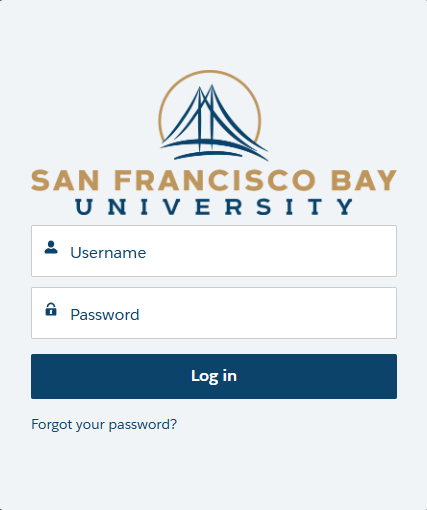
Step 2: Enter in your username and password. Your username is your personal email address.
(Note: If you don't know your password, click the link "Forgot your password?" to reset it.)
Was this article helpful?
That’s Great!
Thank you for your feedback
Sorry! We couldn't be helpful
Thank you for your feedback
Feedback sent
We appreciate your effort and will try to fix the article