Purpose:
Ask AI Companion questions during or after a meeting to quickly find information without scrubbing through recordings.
How to use:
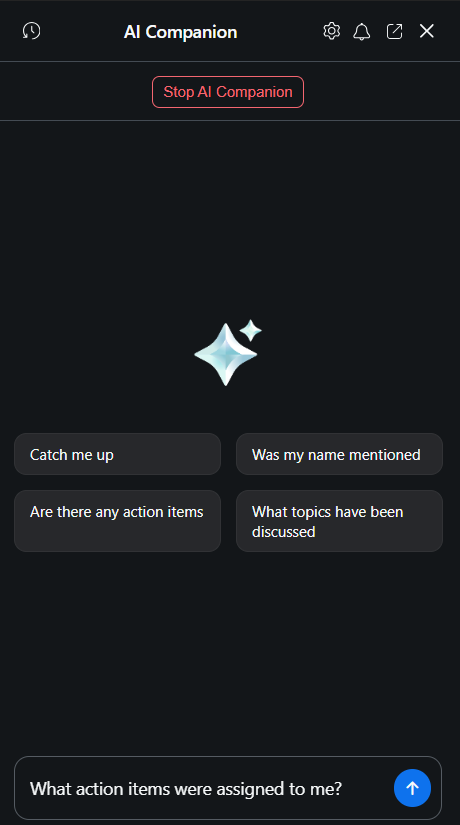
During a meeting, open the AI Companion panel.
Type a question in the Q&A box (e.g., "What action items were assigned to me?").
AI Companion responds with relevant answers based on the meeting transcript.
After the meeting, access Q&A from the meeting summary in your Zoom Team Chat or email.
Was this article helpful?
That’s Great!
Thank you for your feedback
Sorry! We couldn't be helpful
Thank you for your feedback
Feedback sent
We appreciate your effort and will try to fix the article