Purpose: This article provides troubleshooting steps for common login issues to ensure the SFBU community can successfully access the official SFBU ChatGPT workspace.
Common Issues:
Are you seeing a "No Accessible Workspaces" message or being prompted to "Log in without SSO"? These errors typically occur when your browser is trying to use a personal Gmail account instead of your SFBU credentials.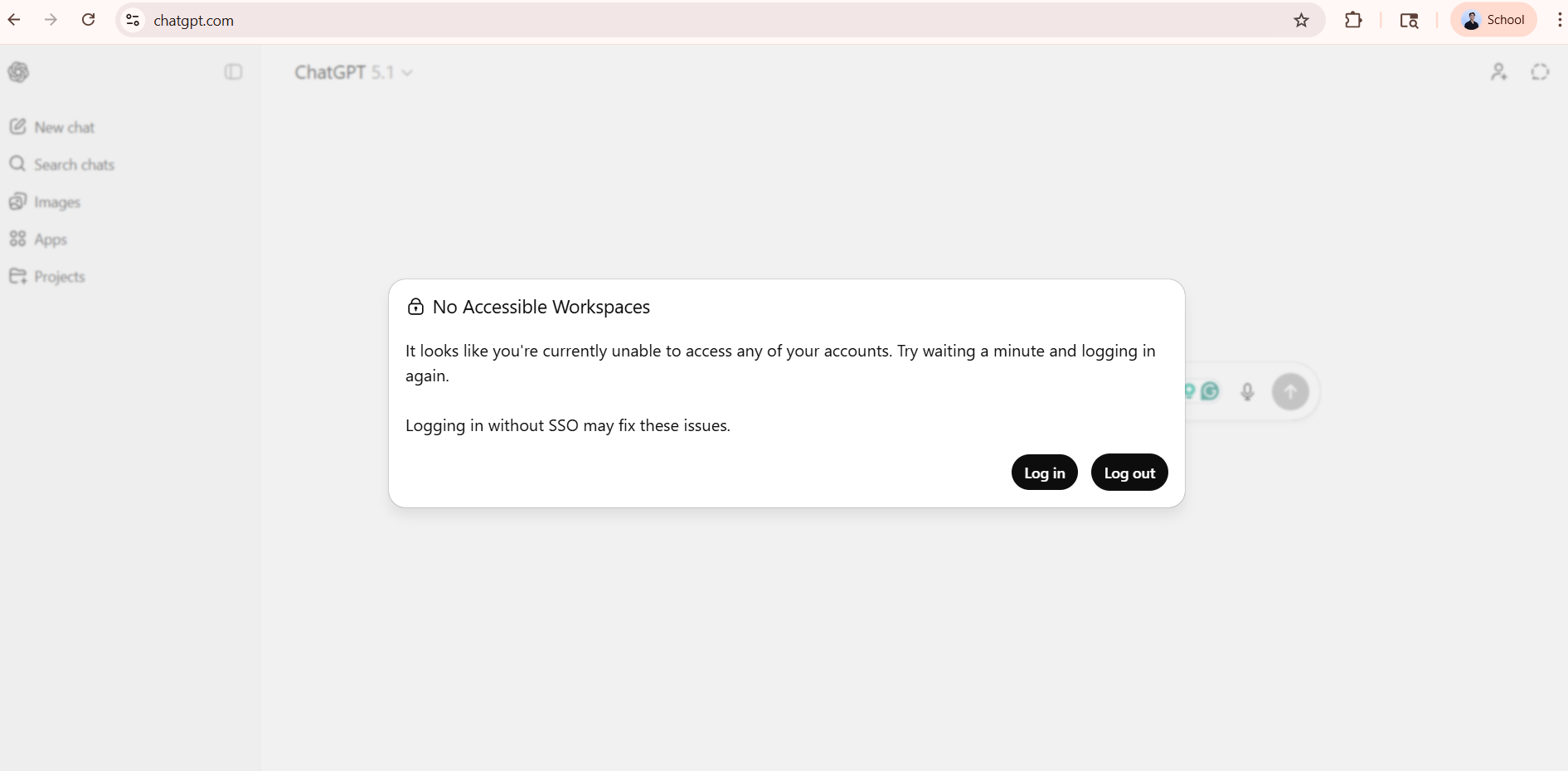
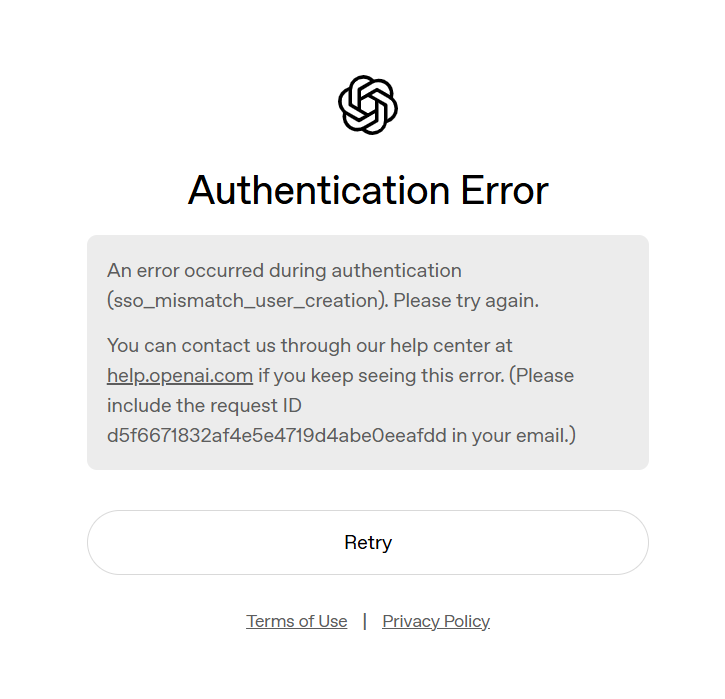
Common Causes:
The most frequent cause of access errors is being signed into a personal Google account. You must use your @sfbu.edu email to access the workspace.
Tip: First, ensure you are following the Official Access Instructions here.
Recommended Solutions:
Option 1: Use a Separate Browser Profile (Recommended)
The most effective way to avoid account conflicts is to create a dedicated browser profile for your SFBU work.
How to do it: In Chrome or Edge, click your profile icon (top right) and select Add.
The Benefit: This keeps your SFBU email and ChatGPT session completely separate from your personal Gmail, preventing "wrong email" errors.
Option 2: Sign in to SFBU Email First
If you prefer not to use separate profiles, follow these steps to reset your session:
Log out of all personal Gmail/Google accounts in your current browser.
Sign in to your SFBU Email first.
Open ChatGPT and select "Continue with Google." Ensure you select your @sfbu.edu account for authentication.
Option 3: Use an Incognito Window
If you are in a hurry, open a New Incognito/Private Window. This forces the system to ask for your credentials and prevents it from automatically picking up your personal Gmail.
Still Need Help?
If you have followed these steps and still cannot access the SFBU workspace, IT may need to verify your account provisioning.
Email IT Support: askit@sfbu.edu
Subject: ChatGPT Access Error
Details: Please include a screenshot of the error message you are receiving.
Was this article helpful?
That’s Great!
Thank you for your feedback
Sorry! We couldn't be helpful
Thank you for your feedback
Feedback sent
We appreciate your effort and will try to fix the article